
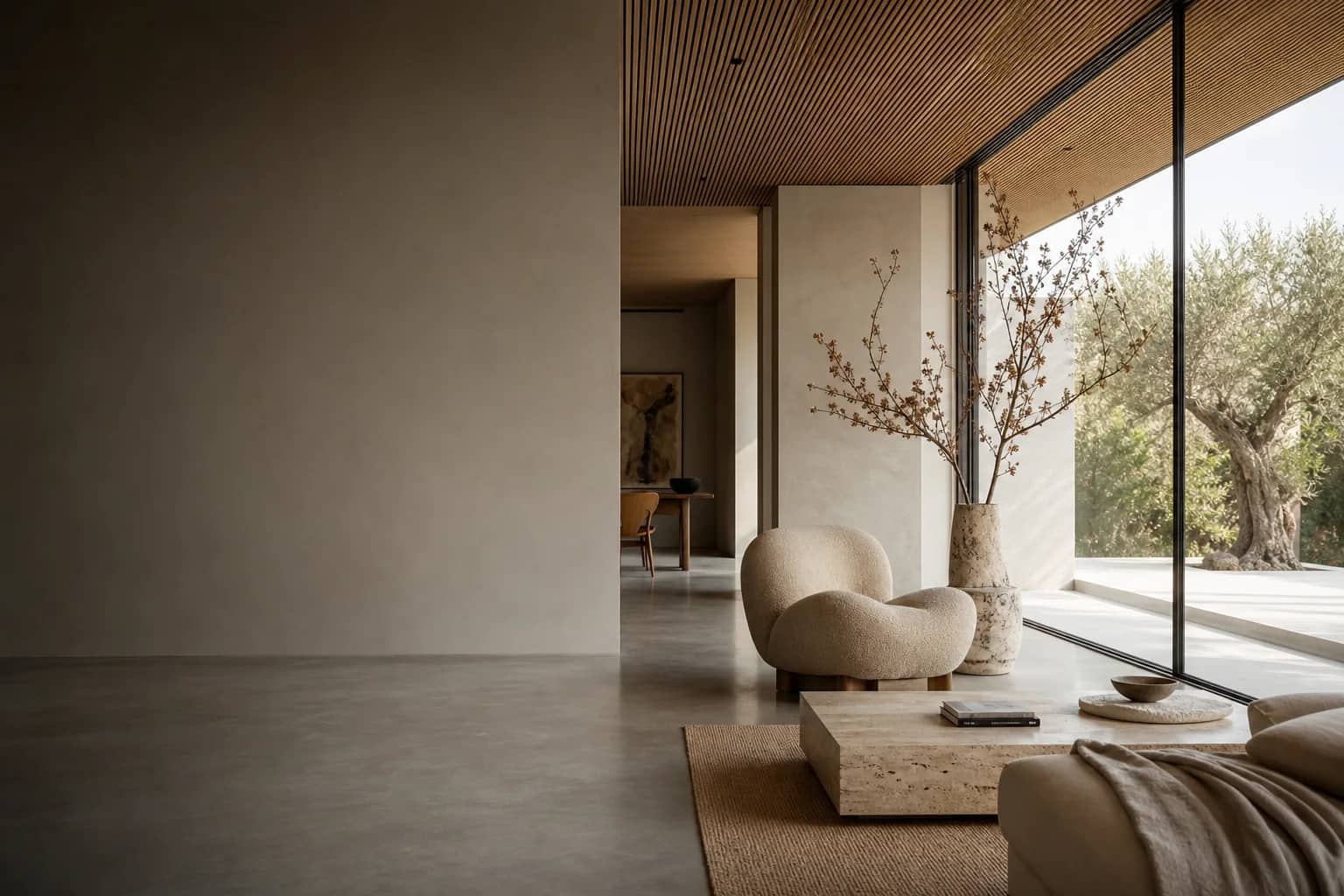
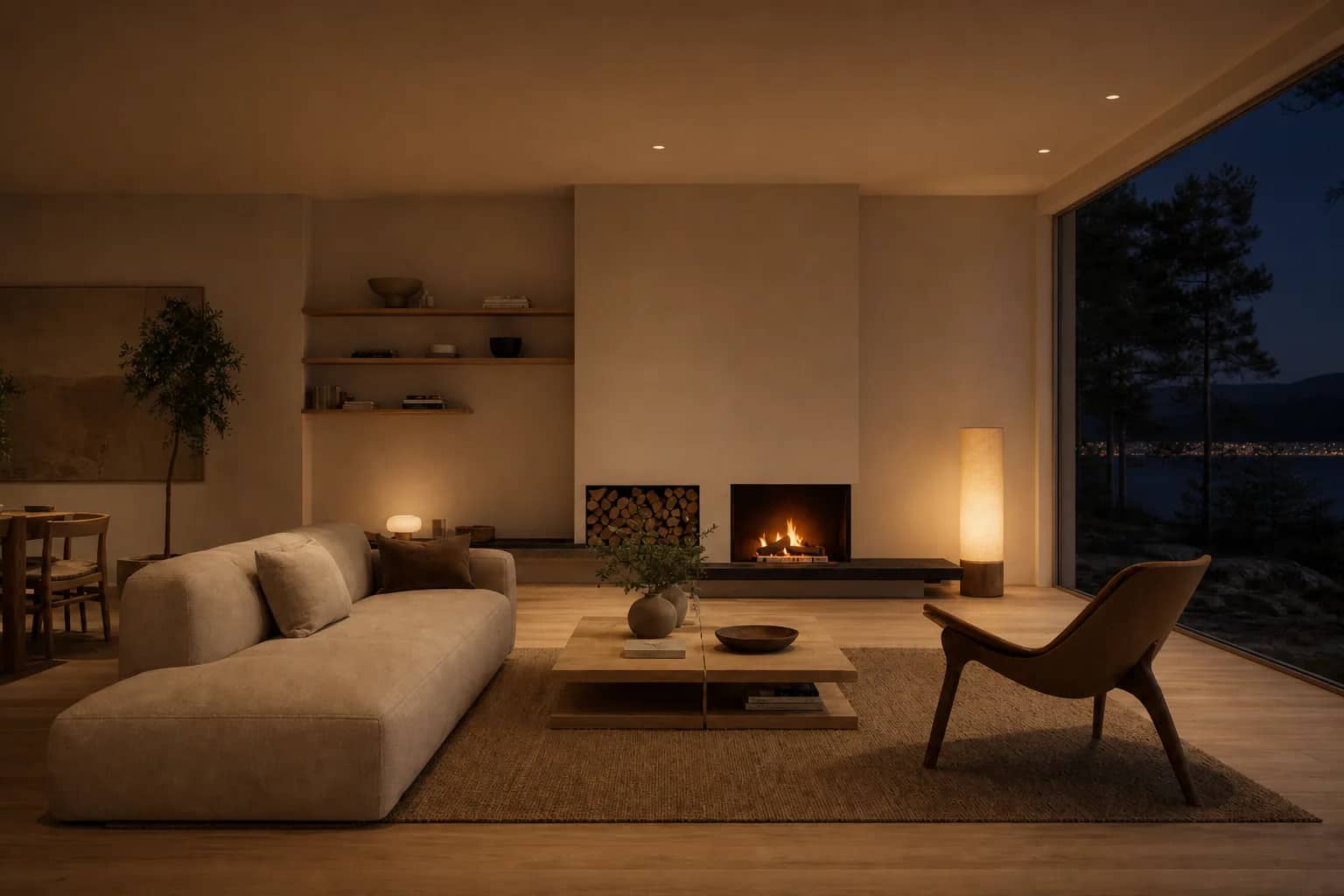
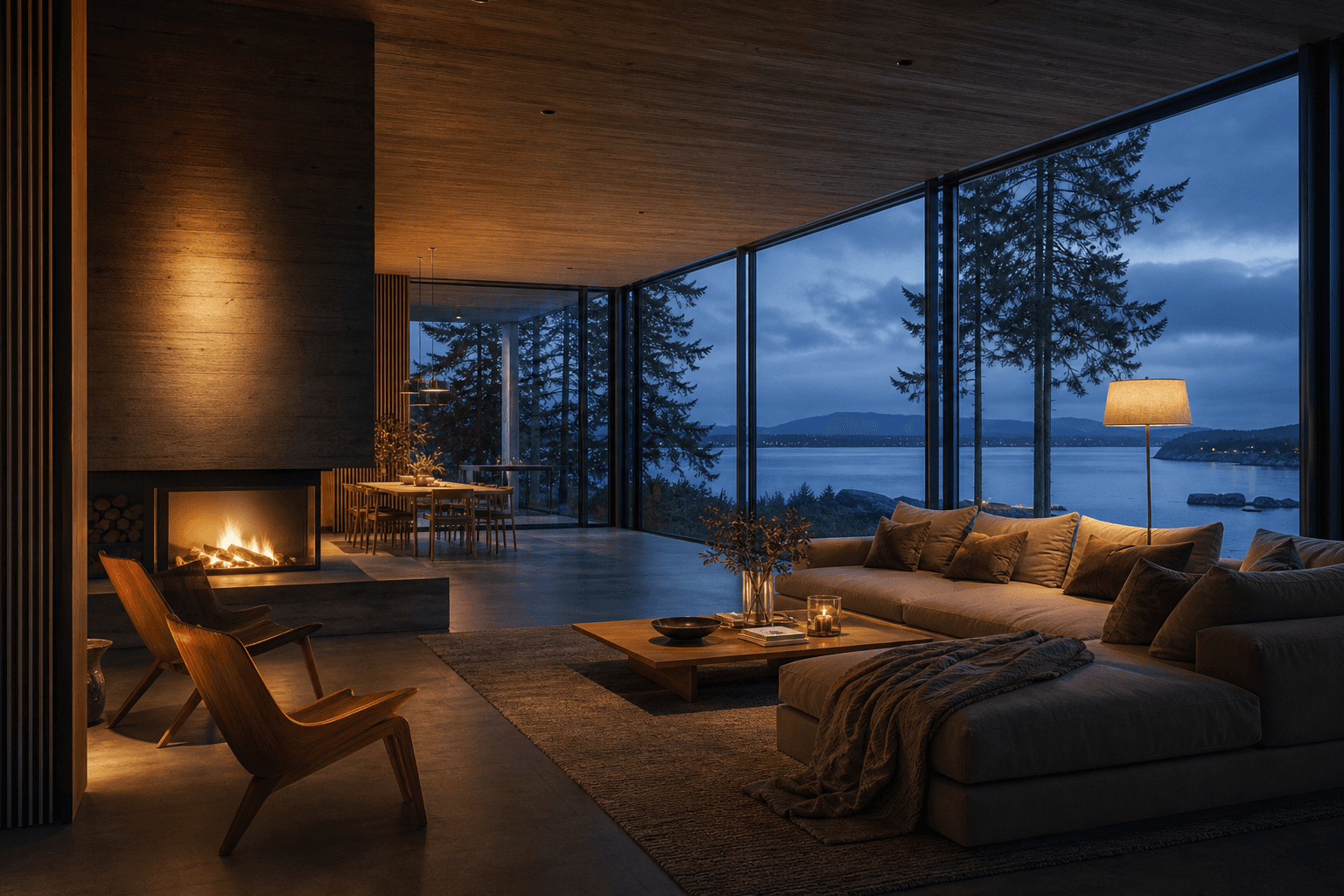
/render nordic living room, dusk light
No model yet
Create
Describe the scene. Get a presentation-ready image for tomorrow’s review.
// Built by architects
Days of rendering become minutes. Create, enhance, and edit with frontier AI models. Photoreal architectural renders have never been easier.
Your first renders are free. No credit card.
Works with images from










Before and after
Same camera. Same geometry. Photoreal in one step.
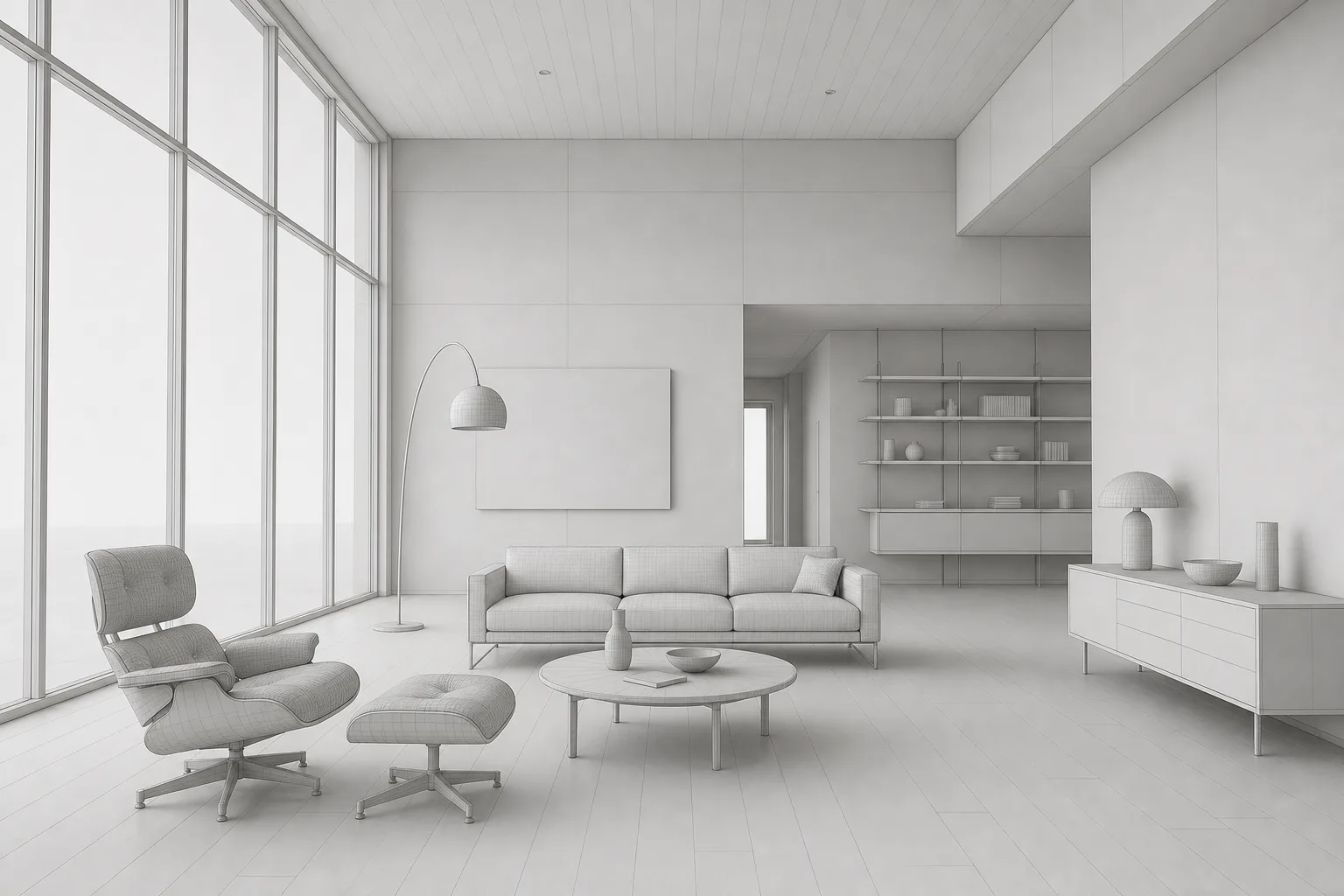
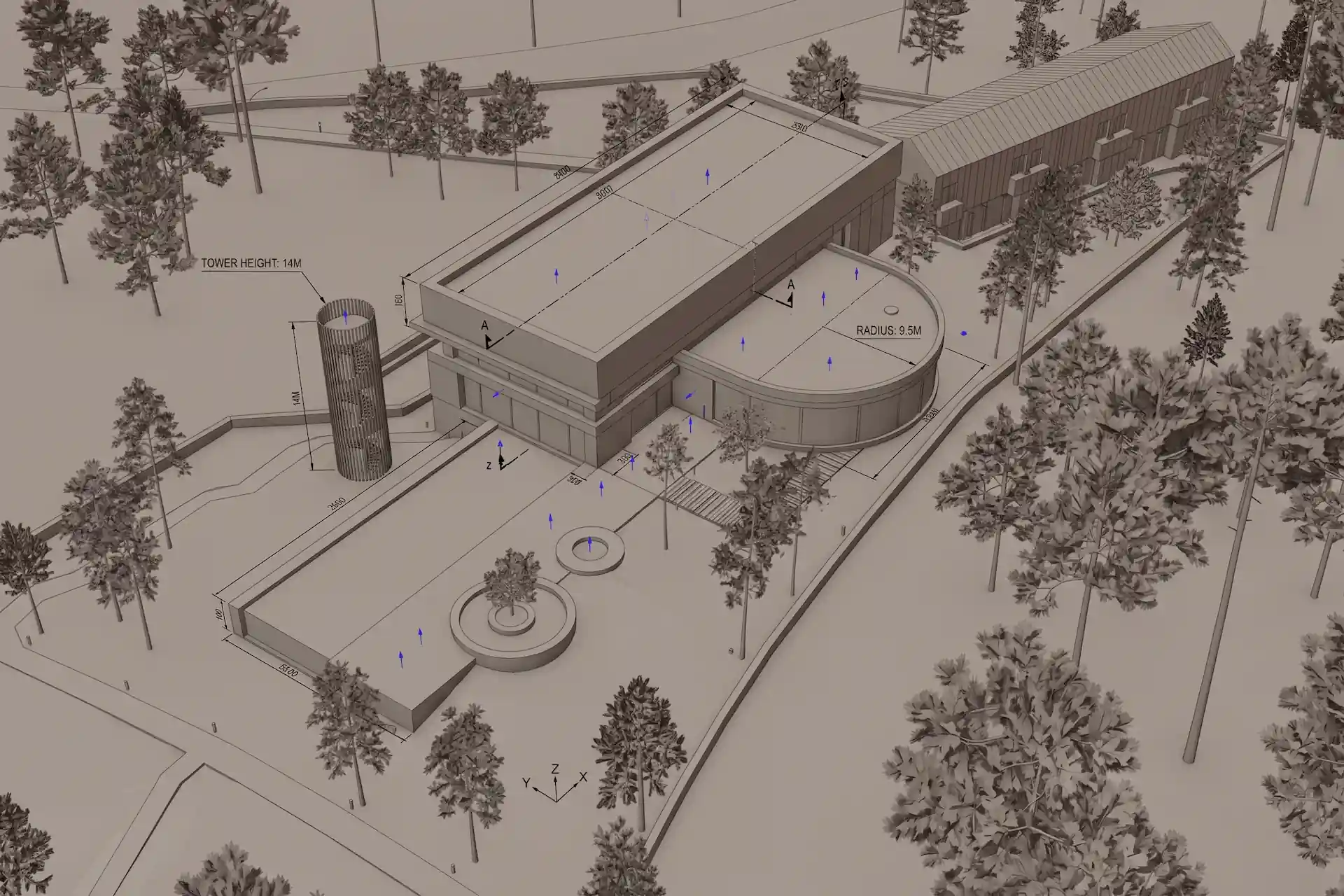 Bare 3D scene
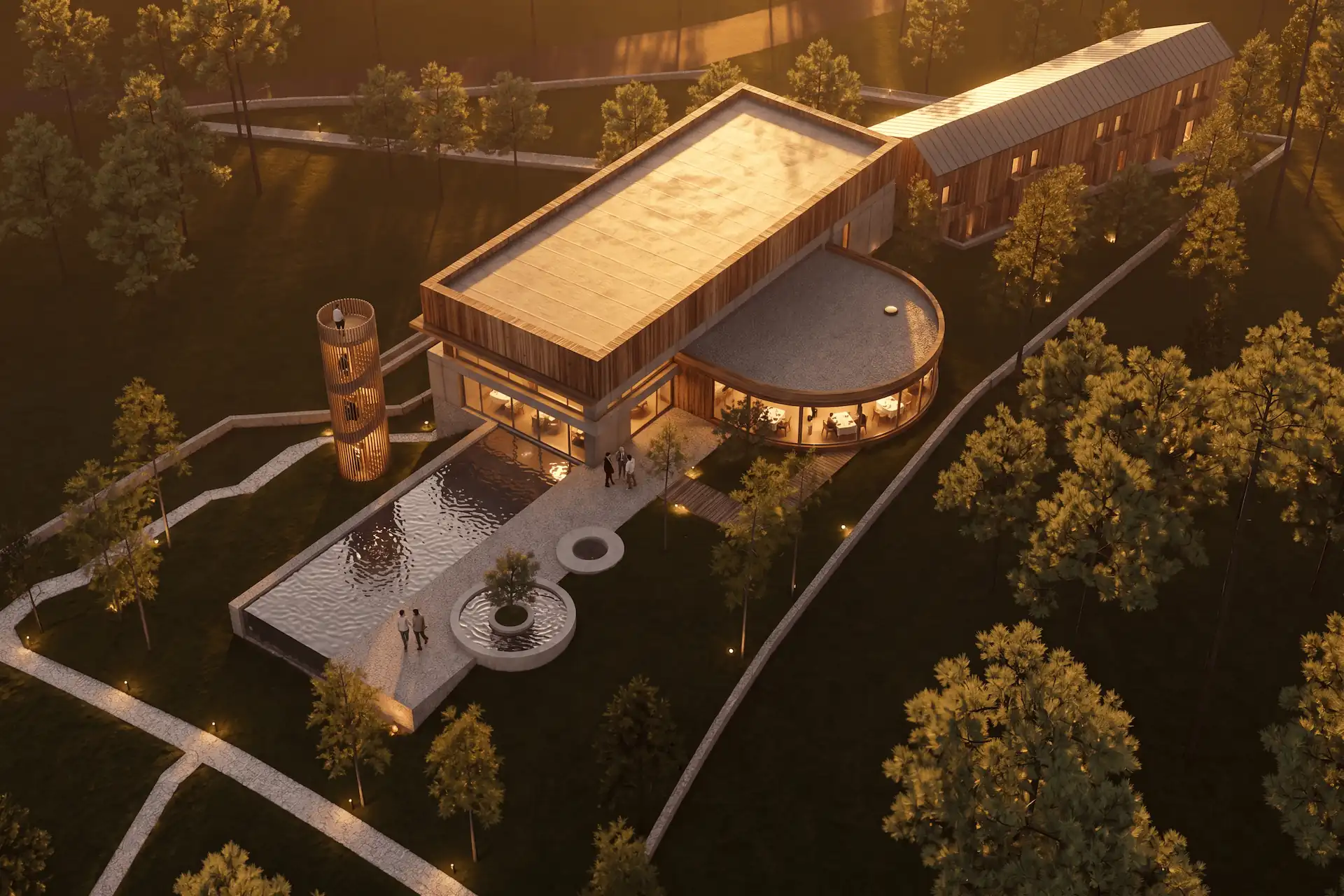 Rendered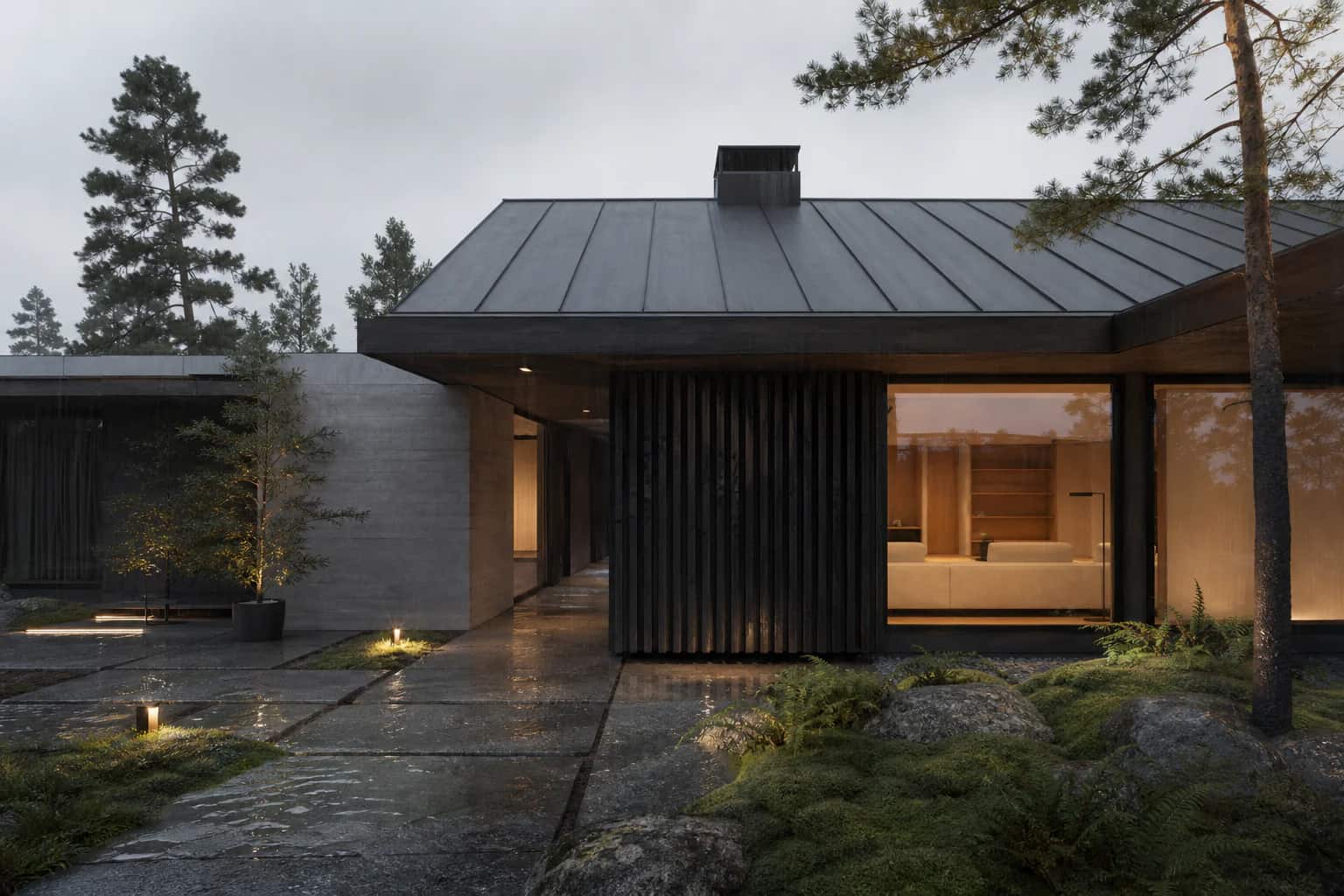
The problem
The review is tomorrow and the render is not close.
Hours of lighting and materials for one frame.
Pro renderers are heavy and built for specialists.
CAD Scene gives you the render in seconds.
See it work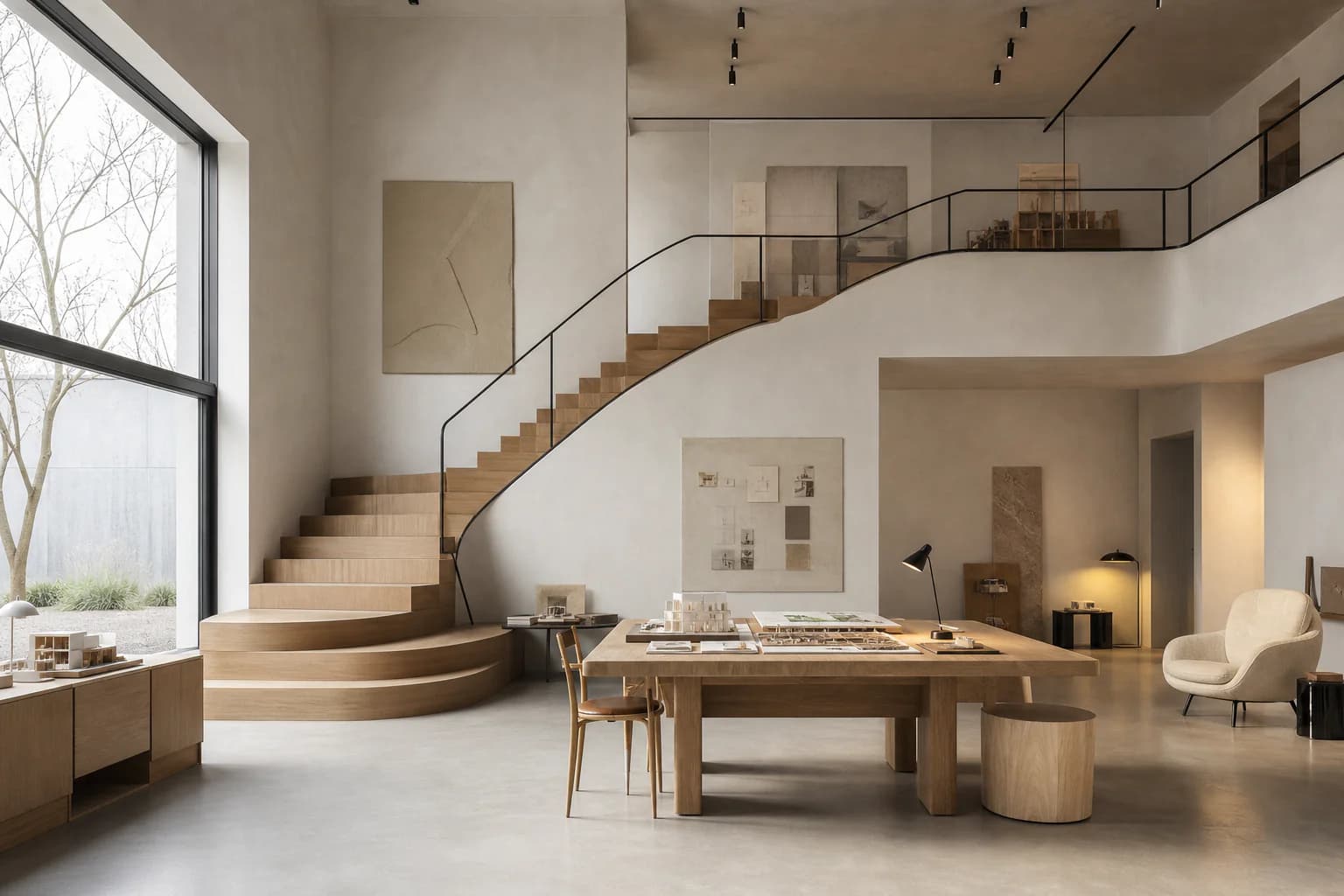
Why we built it
We are architects. Render production kept eating our deadlines. We built CAD Scene to get our images back the same afternoon.
Made by the architects at
Start a scene from words, render your 3D model, or edit the last details in. Hit the deadline. The client will love you for it.
/render nordic living room, dusk light
Describe the scene. Get a presentation-ready image for tomorrow’s review.
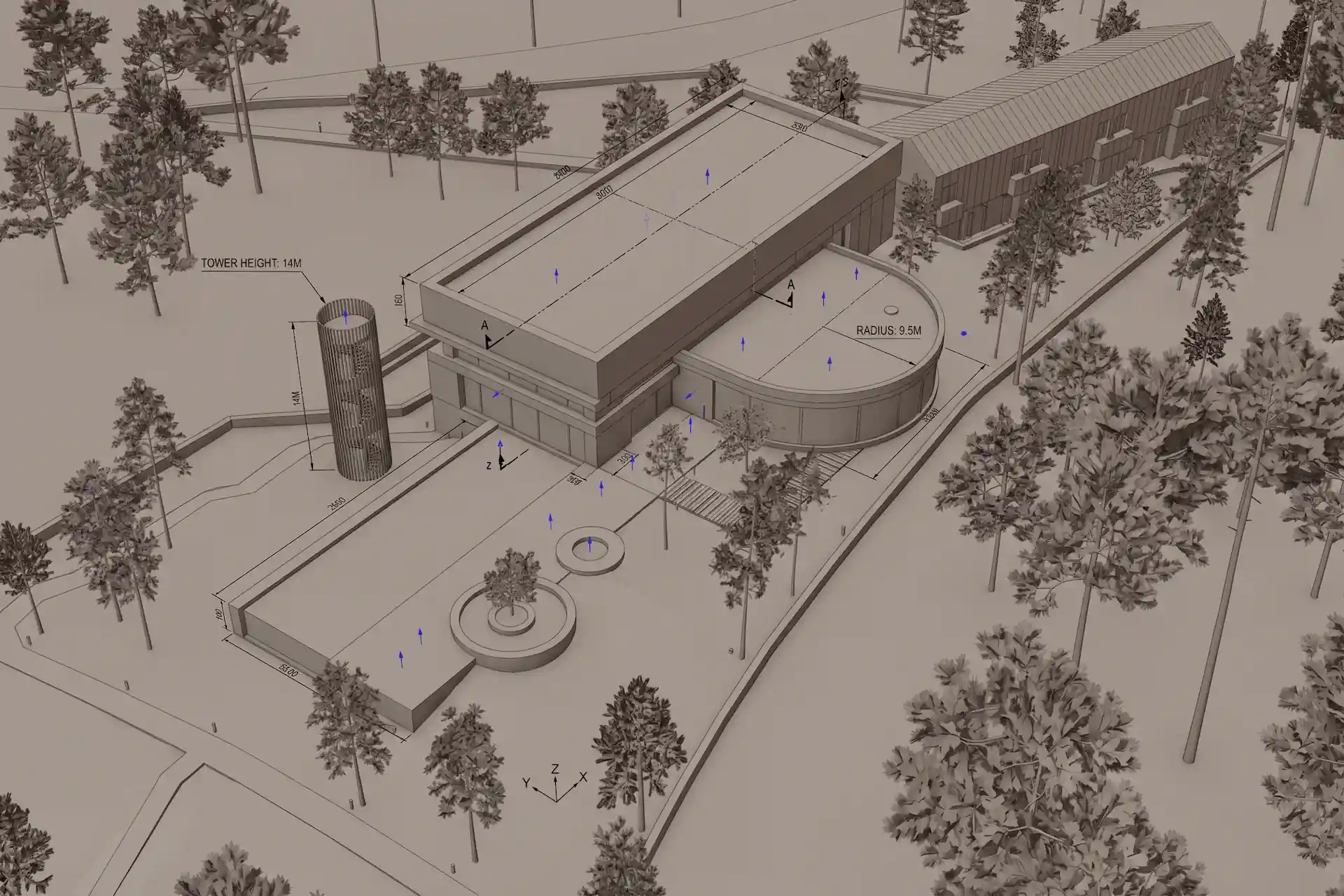
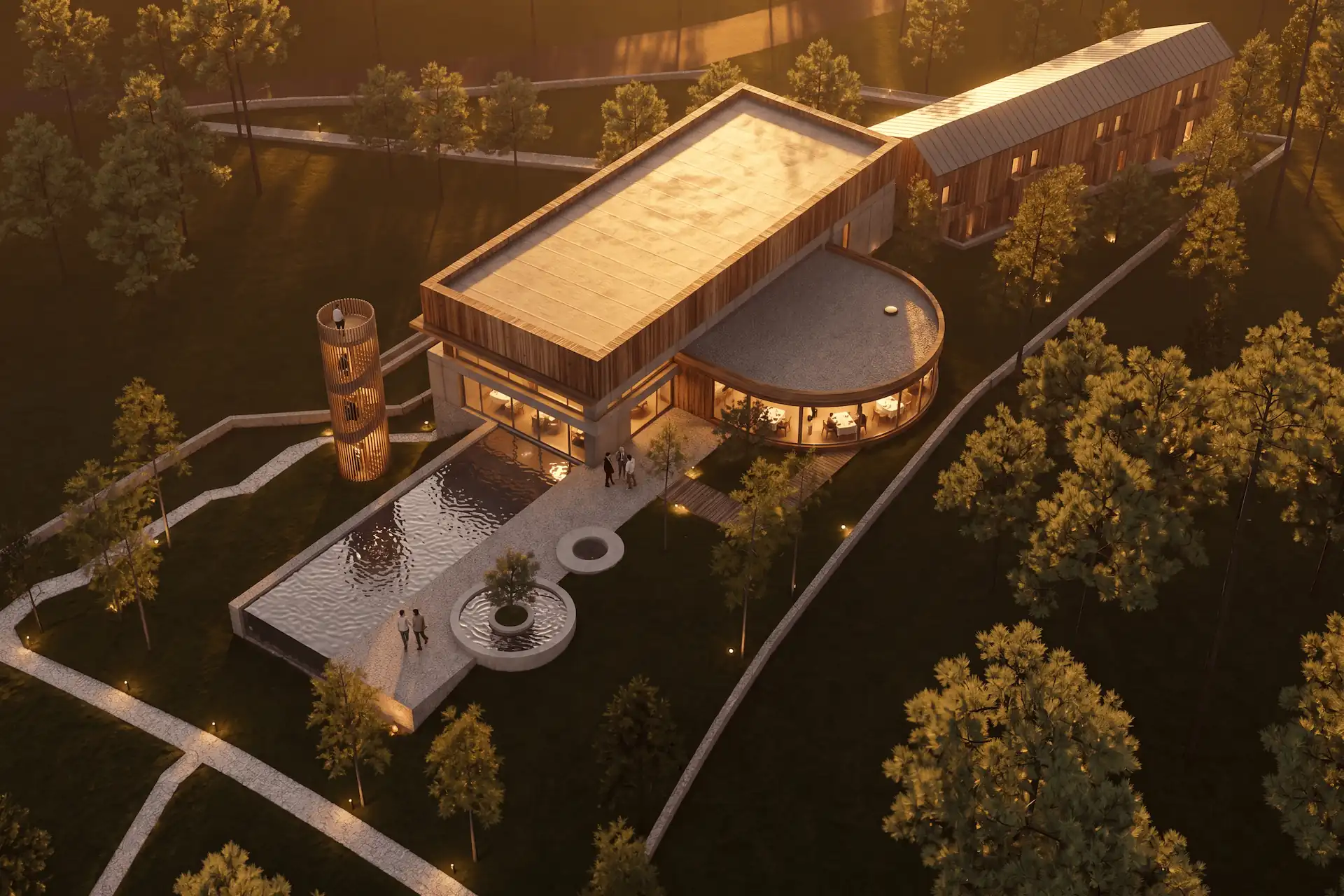
Your bare viewport becomes the client image. Camera and geometry stay.
 Selected region
Change the one detail the client flagged. The rest holds still.
62 presets built in
Render the same room as Nordic, wabi-sabi, Bauhaus, and more. Then save your own.
// AI rendering features
 00
00Timeline
Every render in one feed. Re-run any of them with new settings.
Explore
Branch any render into options. Compare and keep the best.
Refine
Brush a region, say what changes. The rest holds still.
Throughput
Run multiple renders in parallel. Pick the frame that lands.
Control
Set size and quality per render. Draft fast, finish sharp.
Models
Choose Nano Banana or GPT Image 2.5 for each render.
Browse
Every render in the project, one grid. Set any as the project reference image.
Composition
Upload a reference. Get a reusable composition back.
History
Every saved preset keeps its history. Roll back anytime.
Presets
Start with a complete composition, then tune every field.
Resumable
Close the tab. The render keeps going.
Organize
Keep each design in one project. Explore options in separate studies.
Tested on a real deadline
“I was working against a tight deadline and decided to use CAD Scene last night. Not only did I manage to meet the deadline, but the renders were exactly what I wanted them to be. The client loved it.”
 Alex BaratArchitect, Lemon Interior Design
Pricing
Start free. Move from first study to final image at your own pace.
Try it on your own work.
For regular rendering.
For heavier workloads.
Everything you need to know about CAD Scene:
CAD Scene is an AI architectural rendering workbench for architects and designers. You turn a bare 3D scene into a finished, photorealistic render in seconds. Three modes share one workspace. Create builds a scene from a prompt. Enhance uses your SketchUp, Blender, or Revit screenshot as the source and aims to preserve its view. Edit changes marked regions and aims to keep the surrounding image stable. Generated results can drift, so compare them with the source. Every result is an image you can download, including a free 4K upscale.
When you sign in with Google, we use your Google account only to authenticate you. We request your name, email address, and profile picture to create and secure your account. We do not read, store, or share any other Google data, and we never post to your account. You can read the full details in our Privacy Policy.
Start free
Your first renders are free. No credit card. Cancel anytime.

